Cubix Capture

Cubix Capture

AI screen recorder for Mac and Windows with auto-zoom, stunning live backgrounds, and custom cursor effects.

Visit website

About Cubix Capture

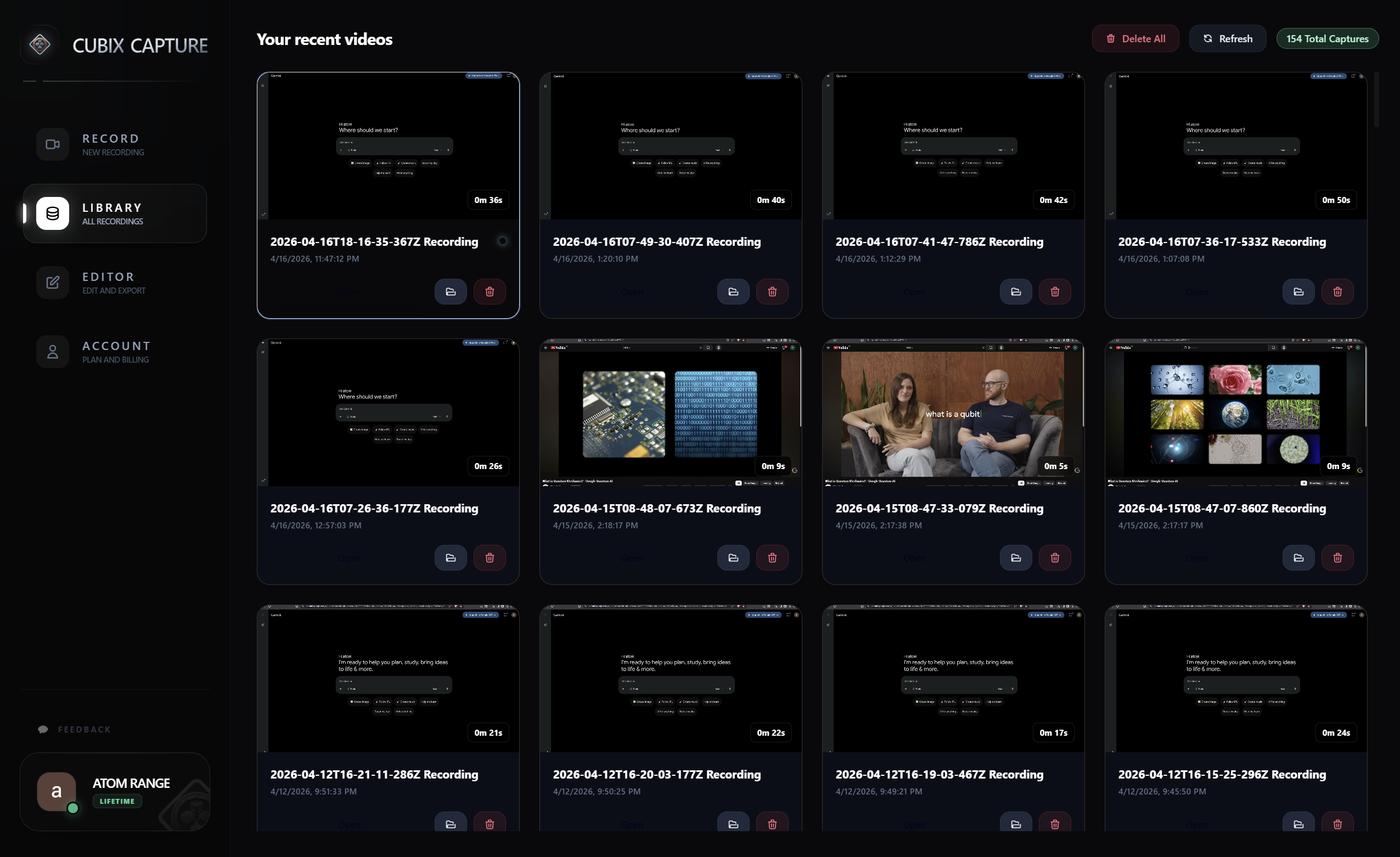
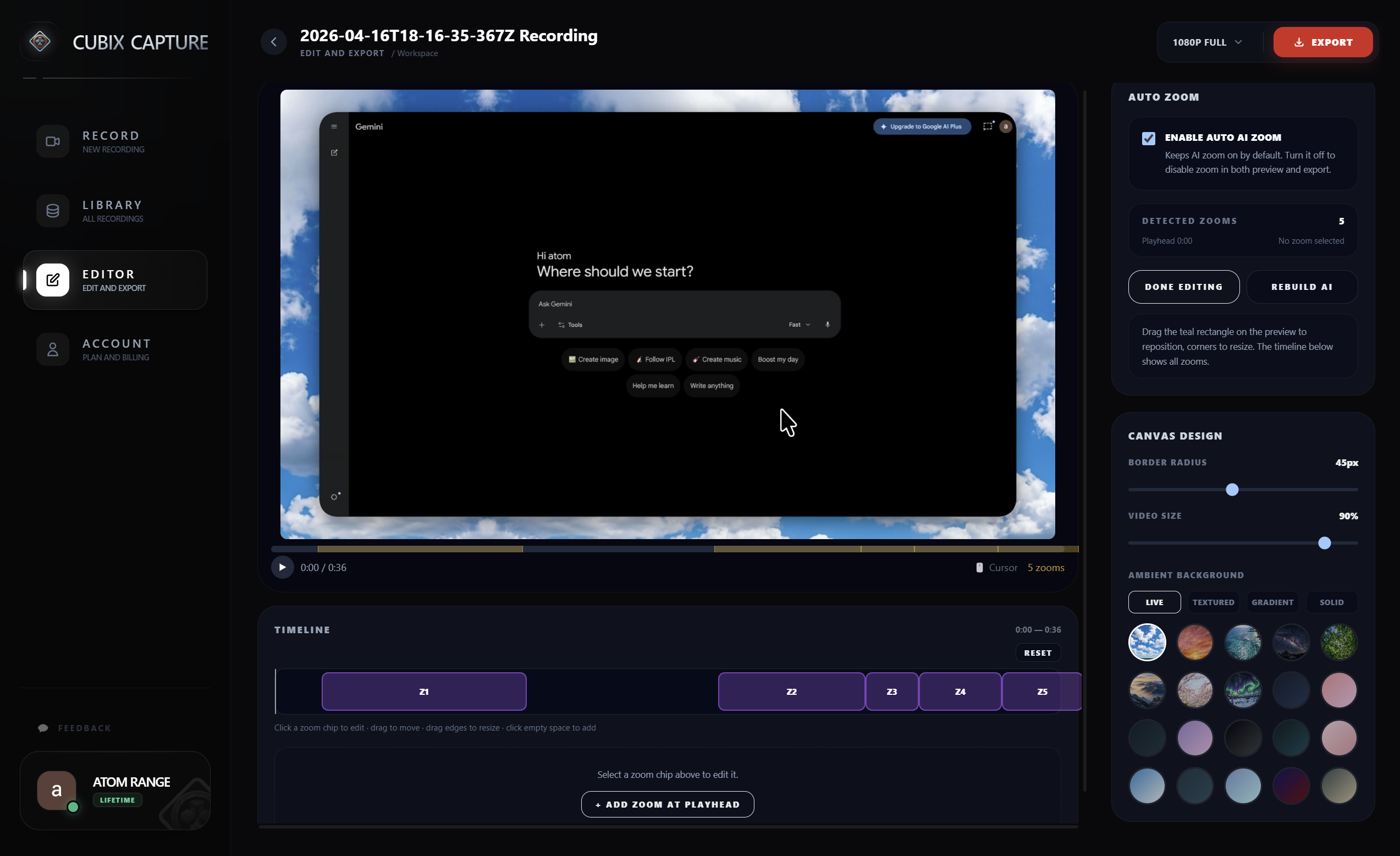
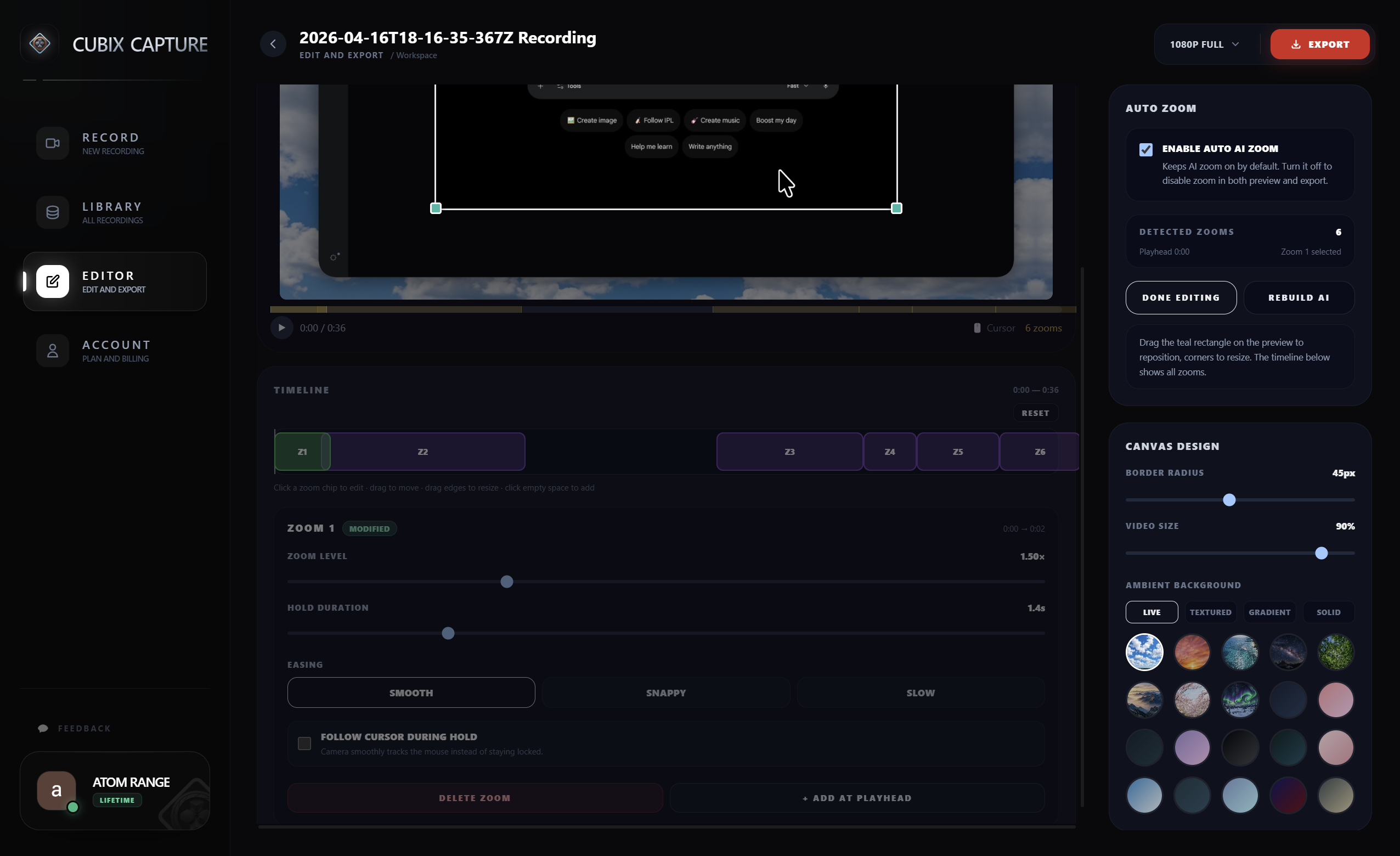
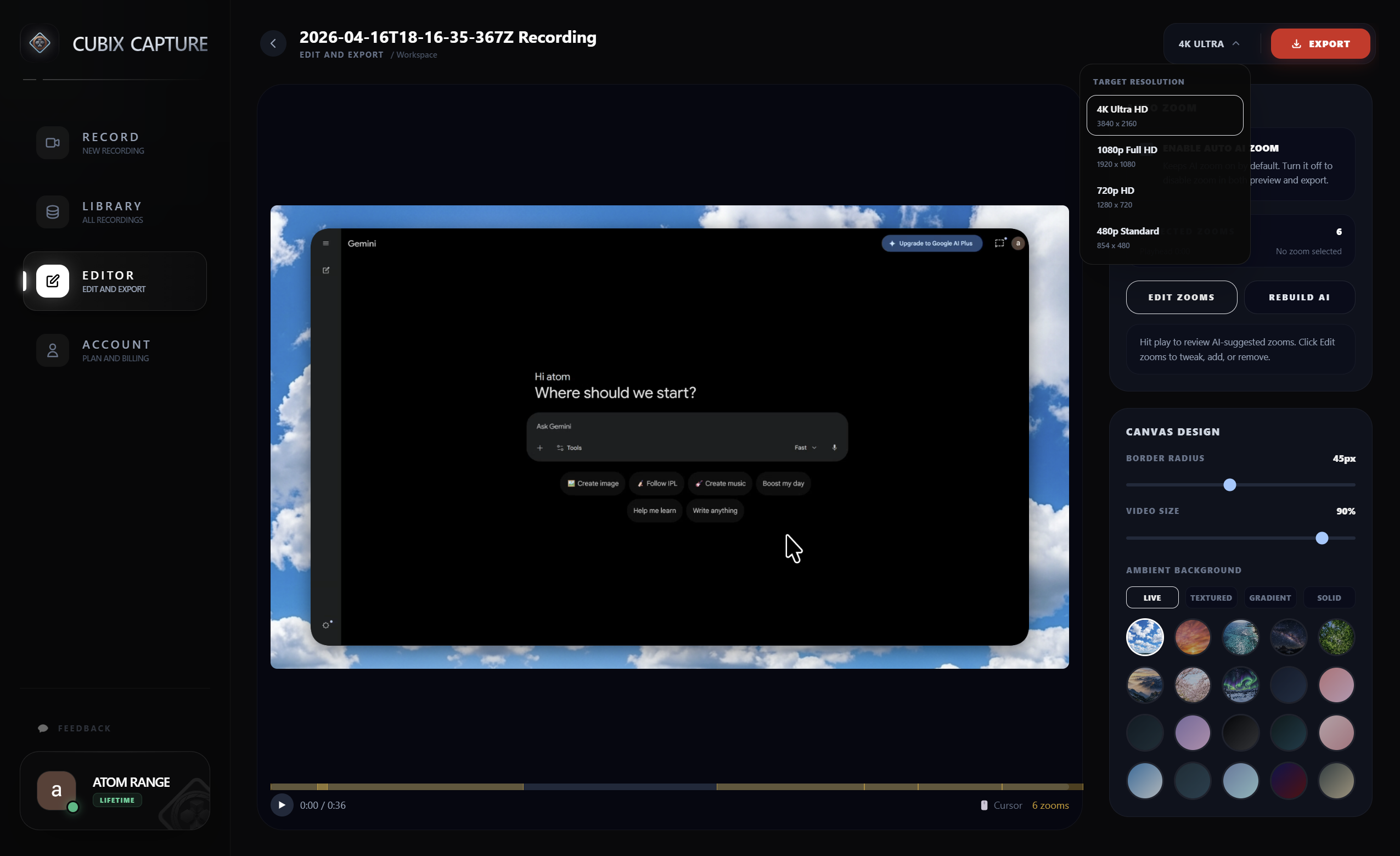
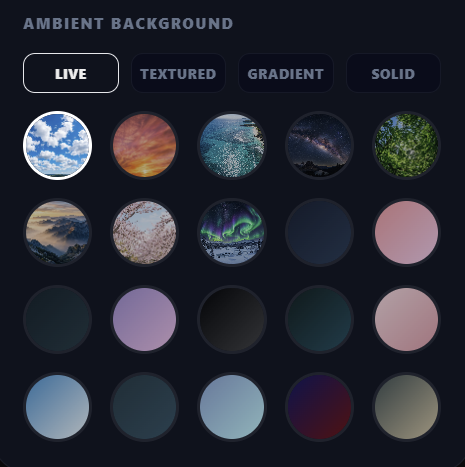
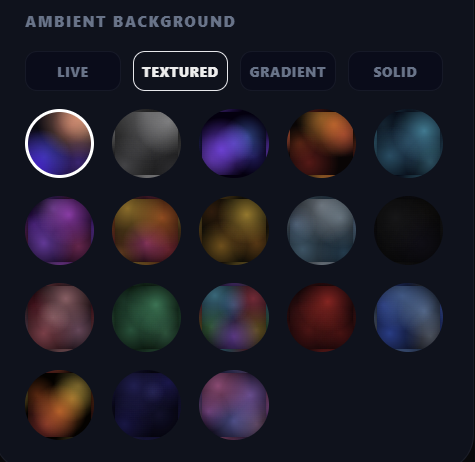
Cubix Capture is a professional screen recorder designed for both Mac and Windows, offering a powerful alternative to Mac-only tools. Its AI-driven Auto-Magic Zoom intelligently highlights clicks and scrolls, allowing users to create studio-quality demos and tutorials without manual editing. With support for 4K 60fps recording, sleek gradient and live backgrounds, smooth cursor effects, and webcam integration, it’s an ideal solution for SaaS founders and educators seeking polished, high-impact videos with minimal effort.

Discussion (1)

C
Cubix CaptureMaker

Hey everyone! I’m excited to finally introduce Cubix Capture, available for both Windows and Mac users. Why we built this Creating clean, polished, boutique-style screen recordings has traditionally been limited to a handful of tools and often just one platform. For most people, it meant dealing with raw, shaky recordings or spending hours editing. We wanted to change that by making high-quality demo creation simple and accessible for everyone. What problem we’re solving Screen recording shouldn’t turn into a 2-hour editing session. Cubix Capture removes that friction by automatically adding polish: 1) Auto-Magic Zoom – Intelligently follows your clicks 2) Aesthetic Backgrounds – Studio-quality gradients instead of messy desktops 3) Smooth Motion – Eliminates jerky cursor movements Our journey What started as a small internal tool to help us ship SaaS demos faster evolved into something much bigger. We’ve spent months refining our AI engine to ensure zooms feel cinematic and natural, not robotic across both Mac and Windows. We’d love your feedback Since this is Day 1 for us: 1) What feature would be a must-have in your workflow? 2) Any integrations you’d love to see next? I’ll be around all day to answer questions, can’t wait to see what you create.

Sign in to join the discussion

k
koray aşkın4/17/2026

this is actually really clean auto zoom + motion smoothing is one of those things that looks small but makes a huge difference in perception curious how you’re handling edge cases though — like fast cursor jumps or multi-screen setups